


The ATrad Platform
In short: ATrad is an online platform many Sri Lankan stockbrokers use for buying and selling CSE shares. This guide explains its main screens: market watch, sector watch, market depth, the order ticket, your portfolio and charts.
Sri Lankan stockbrokers mainly use three online platforms:
This article walks through the main features of ATrad, which many brokers use. It is written for beginners.
- When you log in to ATrad, you see this home screen with live market details.
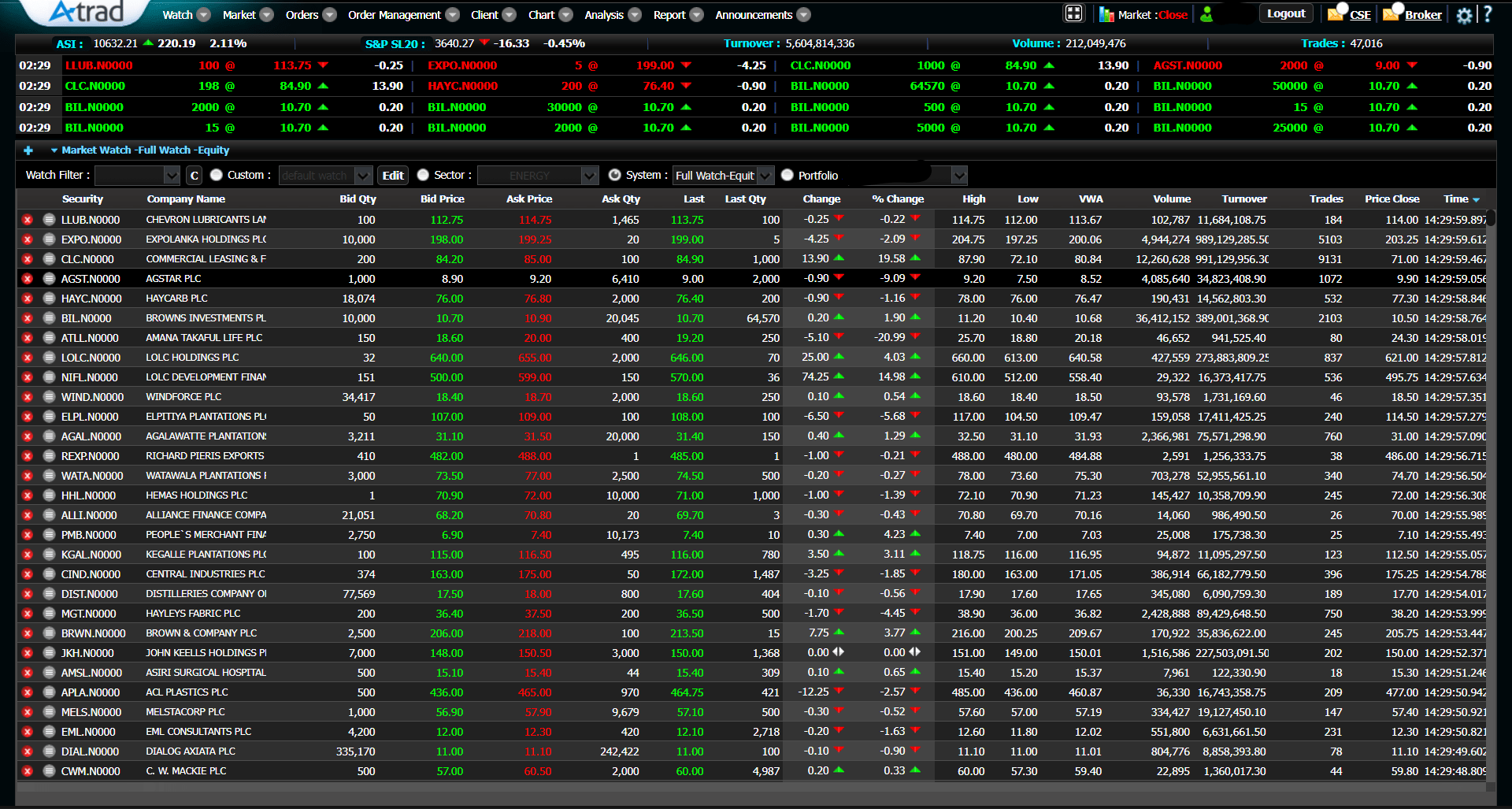
- The market status shows whether the market is open or closed. You can only buy or sell while it is open. The CSE publishes its current trading hours on its website.
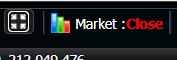
- This column shows the security code, the unique ID of each company listed on the Colombo Stock Exchange.

- This column shows the company name.

- Sector watch groups companies by business sector. Choose a sector to see the listed companies in it.

- The portfolio view shows the shares you own.

- To add a company to your watch list, click the (+) icon, type the security code or company name, and press Add.

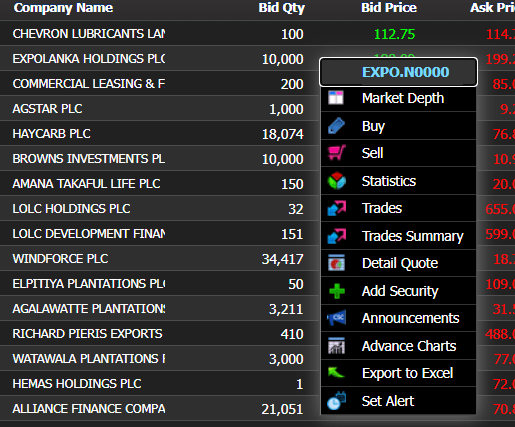
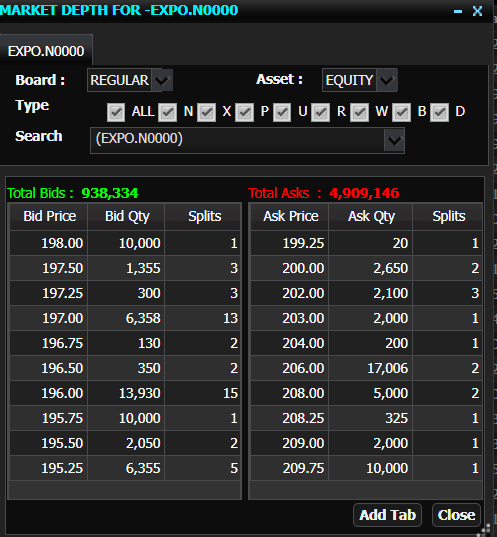
To see the market depth, right-click a company. Market depth lists the bids and asks waiting at each price.
- A bid is the price a buyer is willing to pay; an ask is the price a seller wants. You can place your own bid or ask with a limit order.
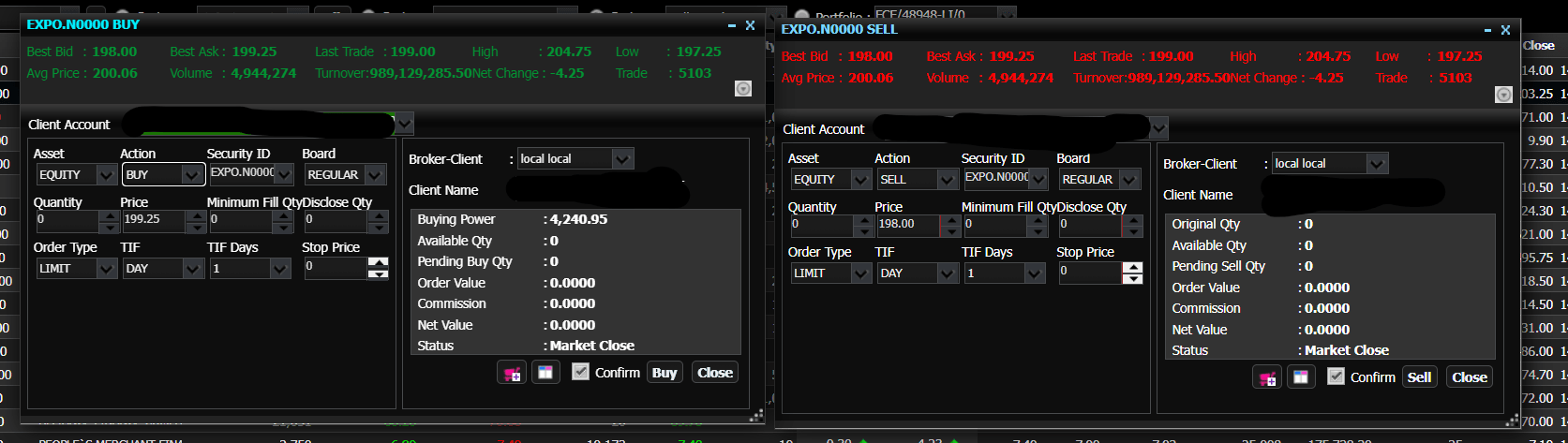
Click a company to open the order ticket for buying or selling. The main parts are:
- Asset: the type of asset, usually equity.
- Action: buy or sell.
- Security ID: the company you are trading. Double-check it before you confirm.
- Quantity: the number of shares, as a whole number.
- Order type: limit, market, stop or stop-limit. To learn about order types and their uses click here.
- Price: for a market order, the price is set by the market; for a limit order, you choose your price.
- The other fields are mostly for active traders, and long-term investors can usually ignore them.
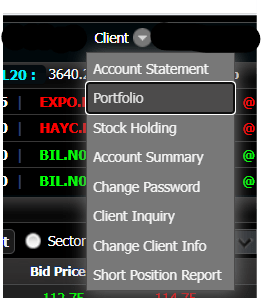
The portfolio, in the client area, shows the shares you hold, how many, and your gains and losses.
- The chart area shows price movements. Select a company and click Draw. Chart features vary by version, and many people use dedicated charting sites such as Investing.com for deeper analysis.

- Notices from the CSE and your stockbroker also arrive in the platform’s inbox.
Summary
These are ATrad’s main features. For technical help, contact your stockbroker.
Note
This guide is for education only and is not sponsored. Never invest money you can’t afford to lose. Next, learn the types of stock orders in more detail.
Browse topics
Value a CSE stock in under a minute
Free fair value calculator for 290+ CSE companies. DCF, P/E and NAV, with the method picked for each sector.
Open the calculator →